Terrain Block
Overview
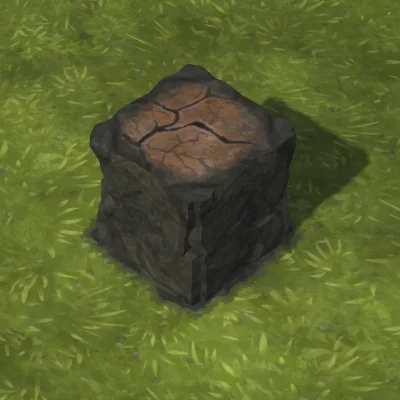
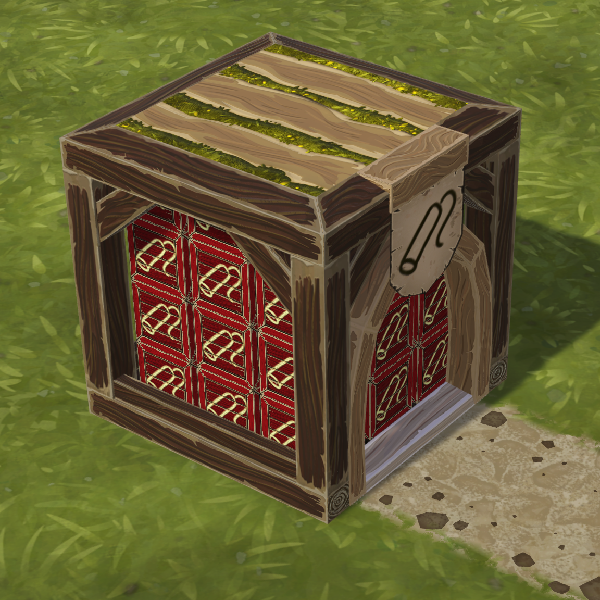
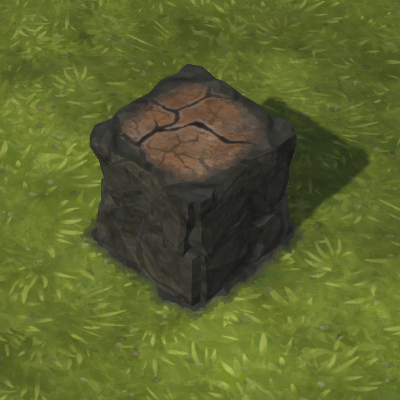 Terrain Block is the in-game terrain-building unit used to create, extend, and shape ground in Timberborn. Completed Terrain Blocks become part of the map’s ground layer: they hold water, count as ground for ground-only constructions, can be farmed on, and must be removed with explosives. Players place Terrain Block construction sites from the Landscaping section; each completed block consumes 4 Dirt. Terrain Blocks are also available as terrain-editing tools in the Map Editor for custom maps.
Placement and interaction with other buildings follow specific rules. Terrain Blocks can be placed on any building that has a Solid surface, except Contamination  Barriers, Irrigation Barriers, and Impermeable Floors. They can be stacked vertically and attached to the sides of other Terrain Blocks to form overhangs: each side may overhang up to three consecutive blocks beyond its last fully supported block. Overhangs can be continued upward by stacking additional runs. Terrain Blocks placed atop other buildings create “elevated” terrain but still behave as terrain for water and construction purposes.
Builders construct Terrain Blocks in a specific order indicated by an arrow shown on the construction site. The arrow system implements directional blocking: when a Terrain Block site is pointed at by another Terrain Block site in the same direction, the pointed-at block is not worked on until the pointing block is complete. Builders also refuse to work on a Terrain Block site that has incomplete Terrain Blocks or other construction sites beneath it; everything below must be finished first. Rotate sites so arrows point in the safe, outward direction of the build area to avoid sealing off access.
Demolition and collapse mechanics are distinct. Terrain Blocks cannot be removed with the standard deletion tool and must be cleared with 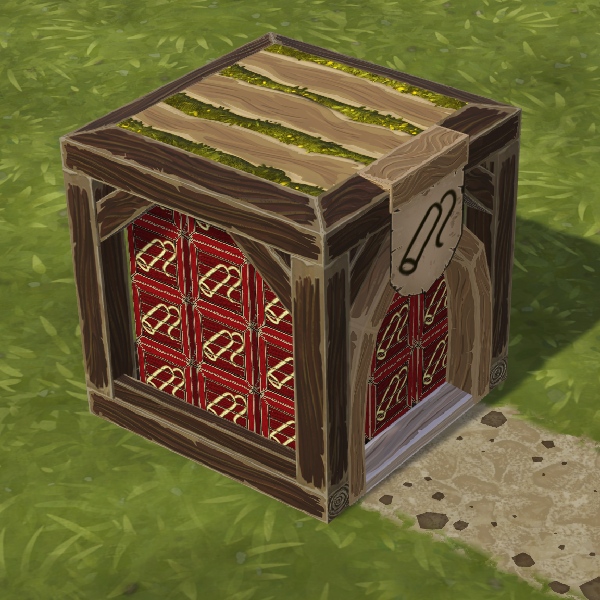 Explosives. A
 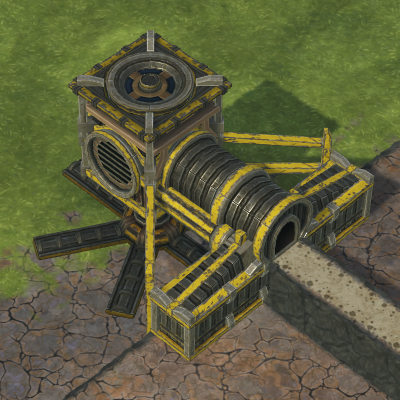 Dirt Excavator can remove Terrain Blocks instead, excavating in a 5×5 area layer by layer and producing Dirt. If a supporting structure is removed such that a chain of overhanging Terrain Blocks becomes unsupported (four or more in a run), the unsupported Terrain Blocks and any objects above them are automatically demolished. Terrain Blocks destroyed by such overhang collapse do not produce Dirt; only the Dirt Excavator yields Dirt from terrain removal.
  Explosive demolition of elevated blocks only affects Terrain Blocks down to the lowest contiguous terrain layer; other constructions under an elevated Terrain Block are not harmed by explosions targeted at the terrain unless they fall within the explosion’s affected layers.
Practical usage and strategy:
- Always orient the arrow indicator to control build order and prevent builders from walling themselves in; when building level-by-level, point arrows toward builder exit routes. When expanding from an existing edge, point arrows outward so builders construct from closest to farthest edge.
- Use directional blocking deliberately to protect planned construction sites and keep access open while landscaping.
- To bypass build-order hazards entirely, provide access with elevated
 Suspension Bridges; builders will path to and work on sites from above, allowing vertical downward construction within reach.
 - Use Dirt Excavators when you want to reclaim Dirt; explosives are required otherwise. Be cautious removing supporting structures under overhangs to avoid unintended collapses that do not return Dirt.
- Terrain Blocks are a core tool for creating farmland, reservoirs, and walkable landscape; plan build order and access carefully because completed blocks become permanent ground until removed by explosives or excavator.
Other entities of this type
- Advanced Breeding Pod
- Agora
- Aquatic Farmhouse
- Aquifer Drill
- Aquifer Drills
- Badwater Discharge
- Badwater Dome
- Badwater Pump
- Badwater Rig
- Bakery
- Banners
- Banners/Custom Banner Images
- Barrack
- Barriers
- Beaver Bust
- Beaver Statue
- Beehive
- Bell
- Bench
- Bot Assembler
- Bot Part Factory
- Brazier
- Breeding Pod
- Builder Flag (Obsolete)
... +162 (see sidebar for full list)