Timberborn - One More 1.0 Thing
2026-03-02
Hello, everyone! Did you know that when Timberborn 1.0 goes live on March 12, 2026, it will bring bzzz bzzz zzzt bzzz? <iframe src="https://www.youtube.com/embed/"Jsc7003gSu0" title="YouTube" loadin
Hello, everyone!
Did you know that when Timberborn 1.0 goes live on March 12, 2026, it will bring bzzz bzzz zzzt bzzz?
Yup! In Timberborn 1.0, you can build and develop your settlements in ways you’ve never thought possible, thanks to the fever dream of all beaver engineers:
Automation!
As long-time enthusiasts of the city-building genre, we went full-on with this feature. We’ve added over 20 new objects to the game that all work together, allowing you to control how your city functions by itself. Using sensors, counters, timers, and relay logic, you can automate operations of your buildings, choose where the water flows as conditions change, customize the power grid’s behavior, decide when some parts of the city open, and much, much more.
Automation naturally extends Timberborn’s city-building mechanics, deepening the gameplay, reducing micromanagement, and allowing you to increase your beavers’ efficiency. And the best part is that automation is extremely scalable, making it a great tool for all players.
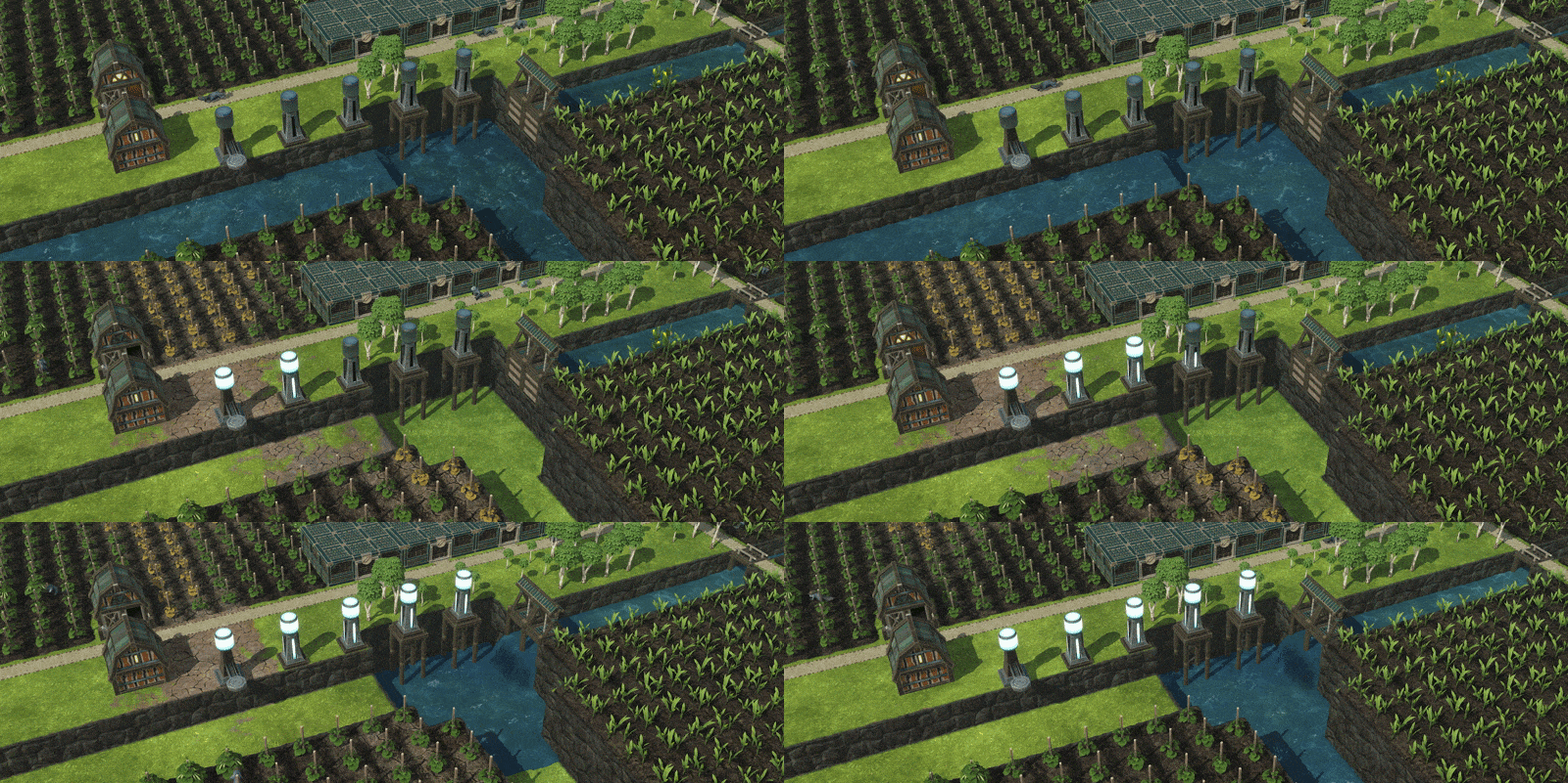
On a basic level, you could simply open and close your floodgates based on the water level in your reservoirs and maybe set off some fireworks when the badtide ends. Take it a step further and pause your  Lumber Mills when you are running low on logs. Go crazy and build a fully automated utopia run by arrays of relays, gates, and valves - just make sure you hook them up correctly. Your beavers’ lives depend on it.
For us, automation is a true cherry on top - something that we’ve always hoped to add to Timberborn. We’re super-proud we managed to pull it off in time for the 1.0 release.
If you don’t want to wait for March 12, 2026, you may - as always - give the new content an early look thanks to the experimental branch. We kept automation under wraps until this very moment, so please share your feedback on Discord or Steam!
Patch notes 2026-03-02 (experimental) - Automation a.k.a. build 1.0.11.0
Note: automation works with existing experimental settlements, so feel free to load up your saves and play! One notable difference is that Sluices were replaced with Valves, which work differently. To gain the old Sluice functionality, use a Valve or a 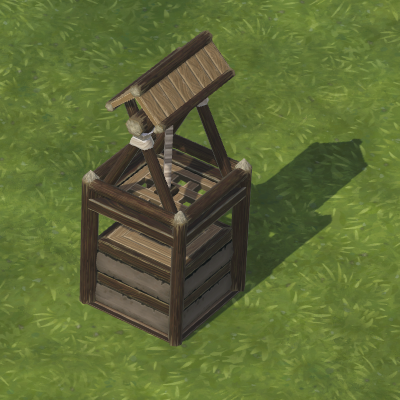 Floodgate connected to one of the sensors.
Automation
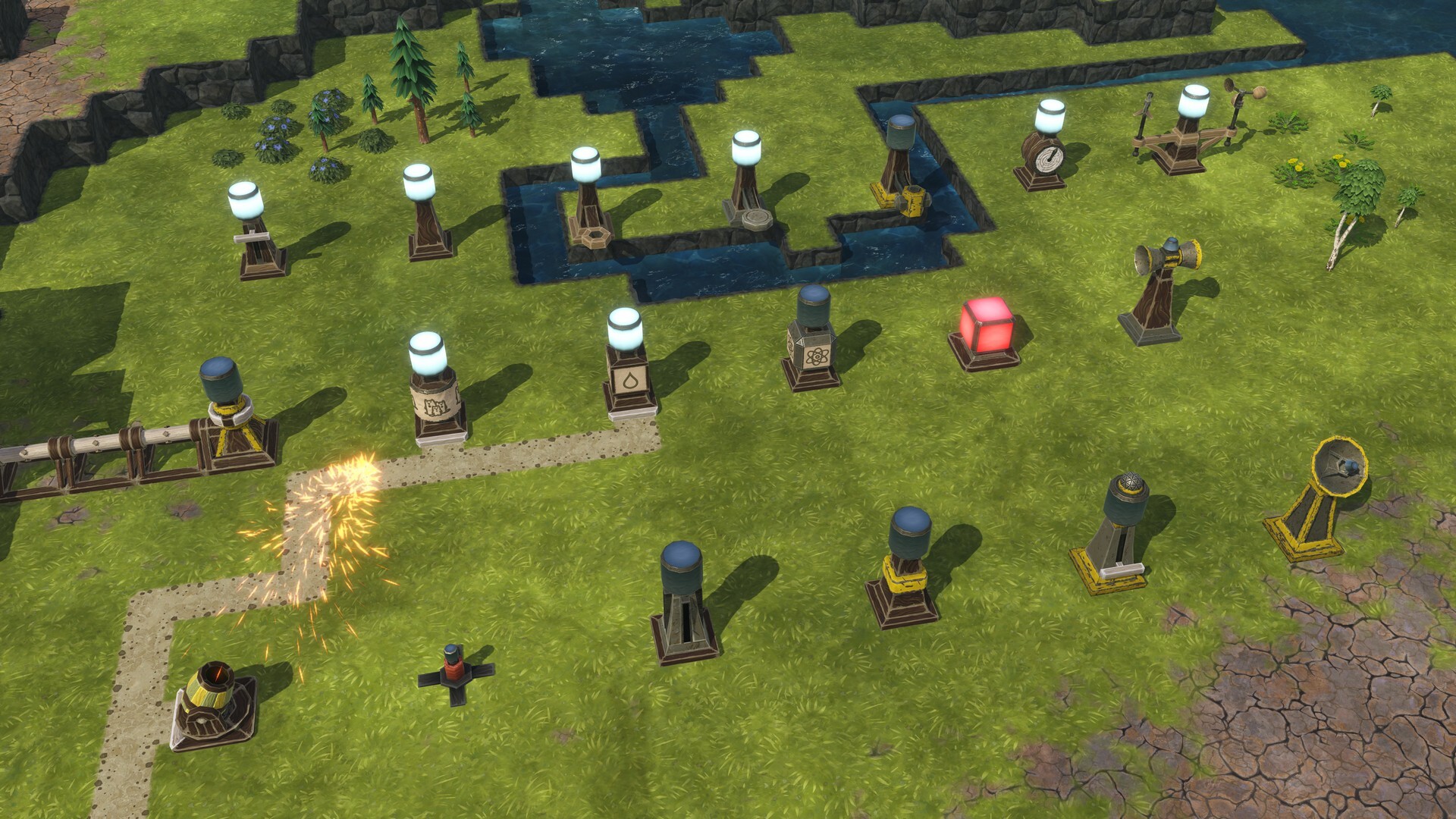 Upper row, left to right: Lever, Relay, Flow Sensor, Depth Sensor, Contamination Sensor, Chronometer, Weather Station
Middle row: Power Meter, Population Counter, Resource Counter,  Science Counter, Indicator, Speaker
Lower row:  Fireworks Launcher, Detonator, Timer, Memory, HTTP Lever, HTTP Adapter
The simplest automation setup could involve a single condition that turns a building on or off. As an example, a Depth Sensor activates when the water level rises above your selected threshold. Then, you select a pausable building, such as a 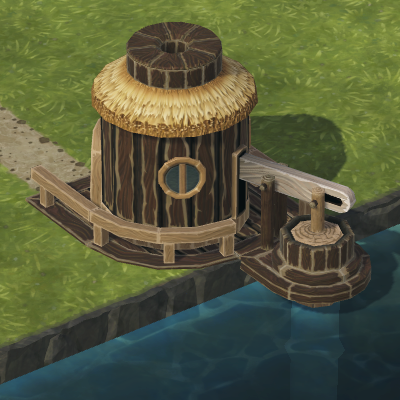 Water Pump, click “Automate”, and select that Depth Sensor. As long as the Sensor stays active, the Water Pump works. When the water level falls below the threshold, the Depth Sensor becomes inactive, and the Water Pump pauses, freeing up its worker again. And that’s the gist of it! Further buildings allow you to build increasingly elaborate setups that work in beautiful, mechanical harmony.
- New feature: Automation. Most of the new buildings are found in this new category on the toolbar.
- New building: **Lever **(1x
 Plank, 2x
  Gear, 50
  Science). Flipped manually - either via the building panel or a pinnable UI element - this is the most basic way of sending a signal. For example, you could use a single Lever to turn on multiple Lumber Mills at once.
 - Added new key bindings (unassigned by default) that you can use to activate pinned Levers.
- New building: Relay (1x Plank, 1x Gear, 80 Science). Performs simple logical operations on its input signals (NOT, OR, AND, XOR, Passthrough). This way, for example, you can make Pumps turn on only when there is sufficient water depth AND your tanks are getting empty.
- New building: Flow Sensor (6x Plank, 4x Gear, 100 Science). Checks the water flow speed below its sensor.
- New building: Depth Sensor (4x Gear, 8x Scrap Metal, 200 Science). Checks the water depth below its sensor.
- New building: Contamination Sensor (8x Gear, 8x Metal Block, 400 Science). Similar to the one above, this one checks the water contamination level below the sensor.
- New building: Chronometer (8x Plank, 6x Gear, 150 Science). Sends a signal based on the time of day. This includes a custom range as well as whether it’s work time or leisure time.
- New building: Weather Station (10x Gear, 8x
 Treated Plank, 300 Science). You may have it send a signal when a particular season (or seasons) is in progress.
 - New building: Power Meter (10x Gear, 6x Metal Block, 600 Science). Monitors power network parameters - supply, demand, surplus energy, and the charge percentage of connected batteries.
- New building: Population Counter (FT cost: 2x Plank, 2x Gear, 1x
 Paper; IT cost: 2x Plank, 2x Gear, 1x Metal Part, 200 Science). Checks the district or global population of a certain type (like a number of bots, unemployed beavers, contaminated kits etc.).
 - New building: Resource Counter (FT cost: 4x Plank, 4x Gear, 1x Paper; IT cost: 4x Plank, 4x Gear, 1x Metal Part, 250 Science). Checks the quantity or fill percentage of a particular good in the district it’s connected to. Meet the criteria, and the signal is sent.
- New building: Science Counter (FT cost: 6x Plank, 4x Scrap Metal, 6x Paper; IT cost: 6x Plank, 4x Scrap Metal, 6x Metal Part, 300 Science). This one is pretty self-explanatory.
- New building: Indicator (2x Scrap Metal, 1x
 Pine Resin, 400 Science). A large cuboid that lights up. Use it to make certain information (as in: certain input signals being active) easier to notice. In addition to being visible in the game world, you can also pin it in the UI, and even make it add journal entries or show a warning when switched on.
 - New building: Speaker (4x Plank, 2x Gear, 4x Metal Block, 500 Science). You may have it play music (or anything, really - you can add custom sounds, even some that would make Gary Oldman laugh until he cries). Music will play when the input signal is active - either once or continuously. You may also make it play within the game world, around the speaker, or make it heard globally.
- New building: Firework Launcher (1x Gear, 2x Treated Plank, 700 Science). If you needed a visually pleasing reward for your automation shenanigans, here’s one! The Firework Launcher is now in the game, allowing you to shoot fireworks of customizable style and frequency.
- New building: Detonator (1x Metal Block, 1x
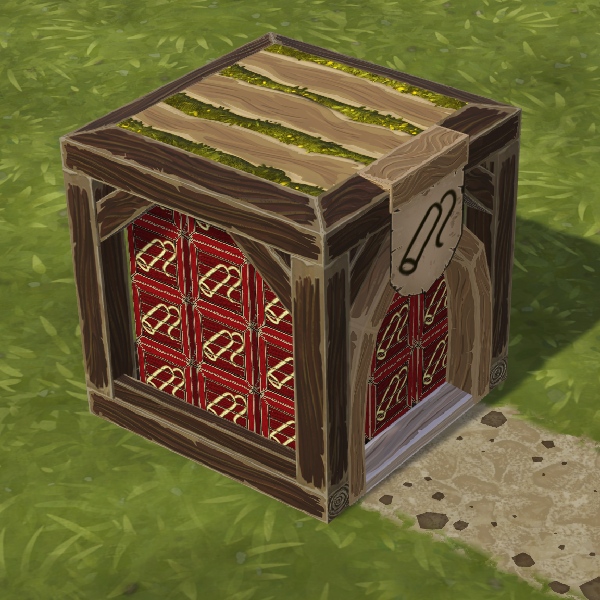 Explosives, 1x
 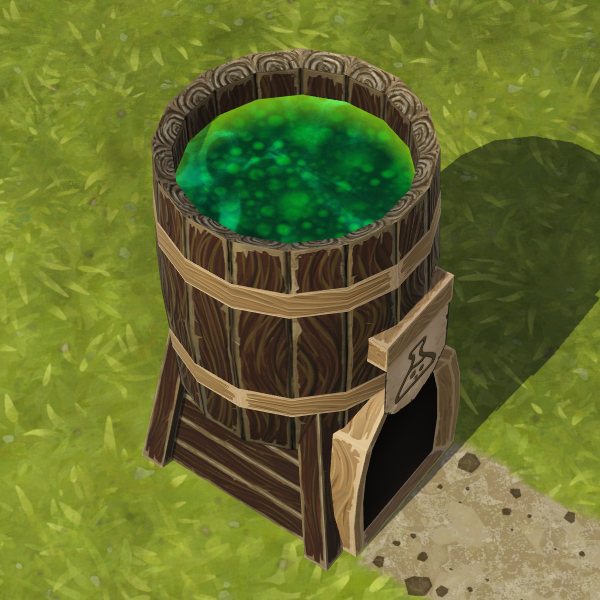 Extract, 1400 Science). And if you are really into explosions, hook up the Detonators to your
 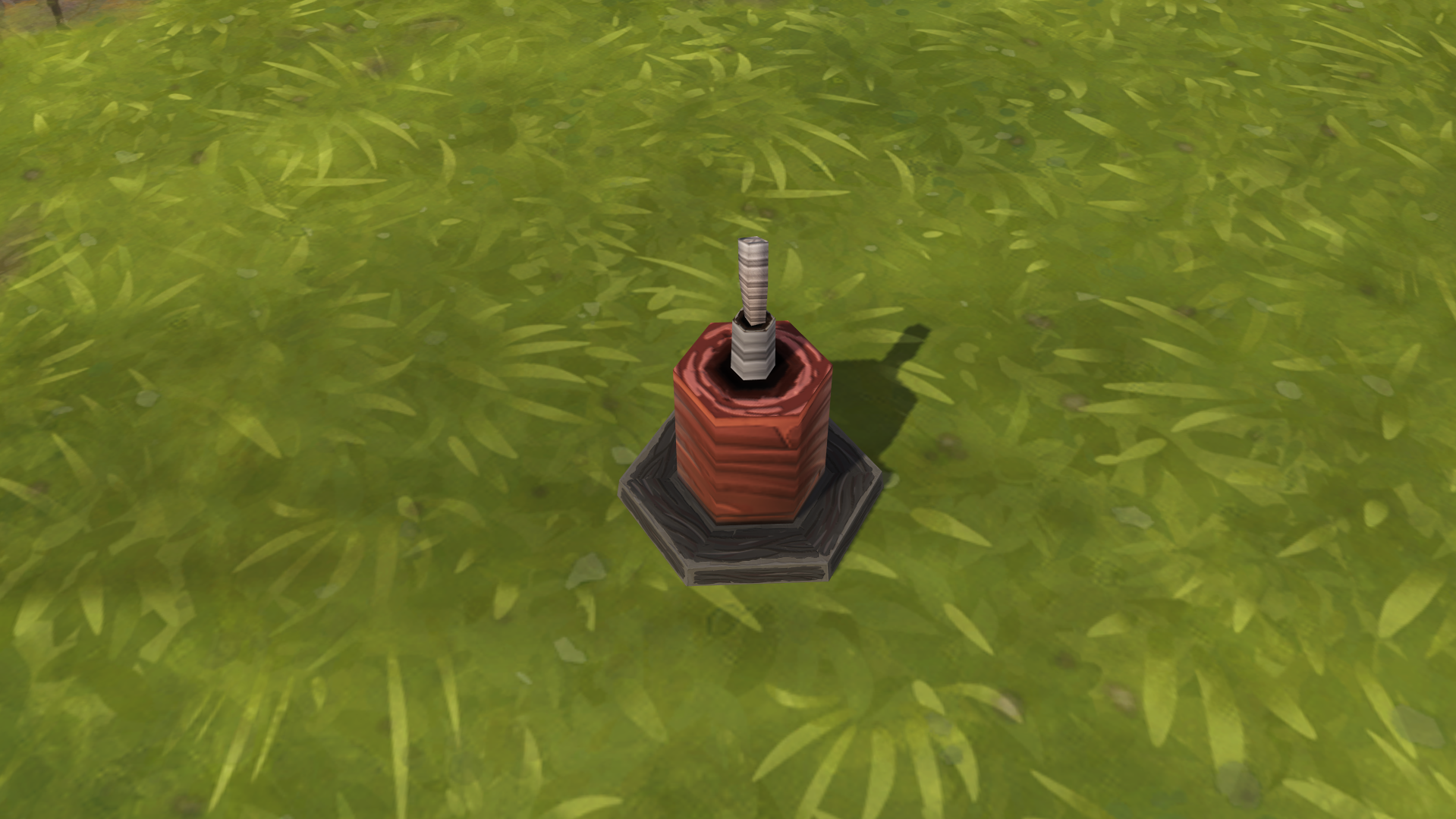 Dynamite. As soon as the input signal comes through, your beavers will start blastin’.
 - New building: Timer (1x Treated Plank, 1x Metal Block, 600 Science). With the Timer, you can modify other signals, for example by delaying them or triggering an oscillation signal instead. The Timer can be set to reset at a certain condition.
- New building: Memory (1x Metal Block, 1x Extract, 100 Science). Now we’re talking! With Memory modules, you can create the most advanced automation setups - for example, a Memory can switch on when one signal comes through and then reset after receiving another.
- New building: HTTP Lever (2x Gear, 2x Scrap Metal, 5000 Science). It's like a Lever but can be switched on and off or recolored via API. Either you or your programmer friend will find a good use for it. The high science cost is only paid once and unlocks the building for all your future settlements.
- New building: HTTP Adapter (2x Gear, 4x Scrap Metal, 7500 Science). Exposes the on and off state of in-game signals via API and makes webhook calls. Or, in hooman-speak, with a moderate amount of tinkering, it can light up your IRL light bulb when your beavers are low on water. The science cost is also paid only once for all your settlements.
Additional buildings and automation-related changes
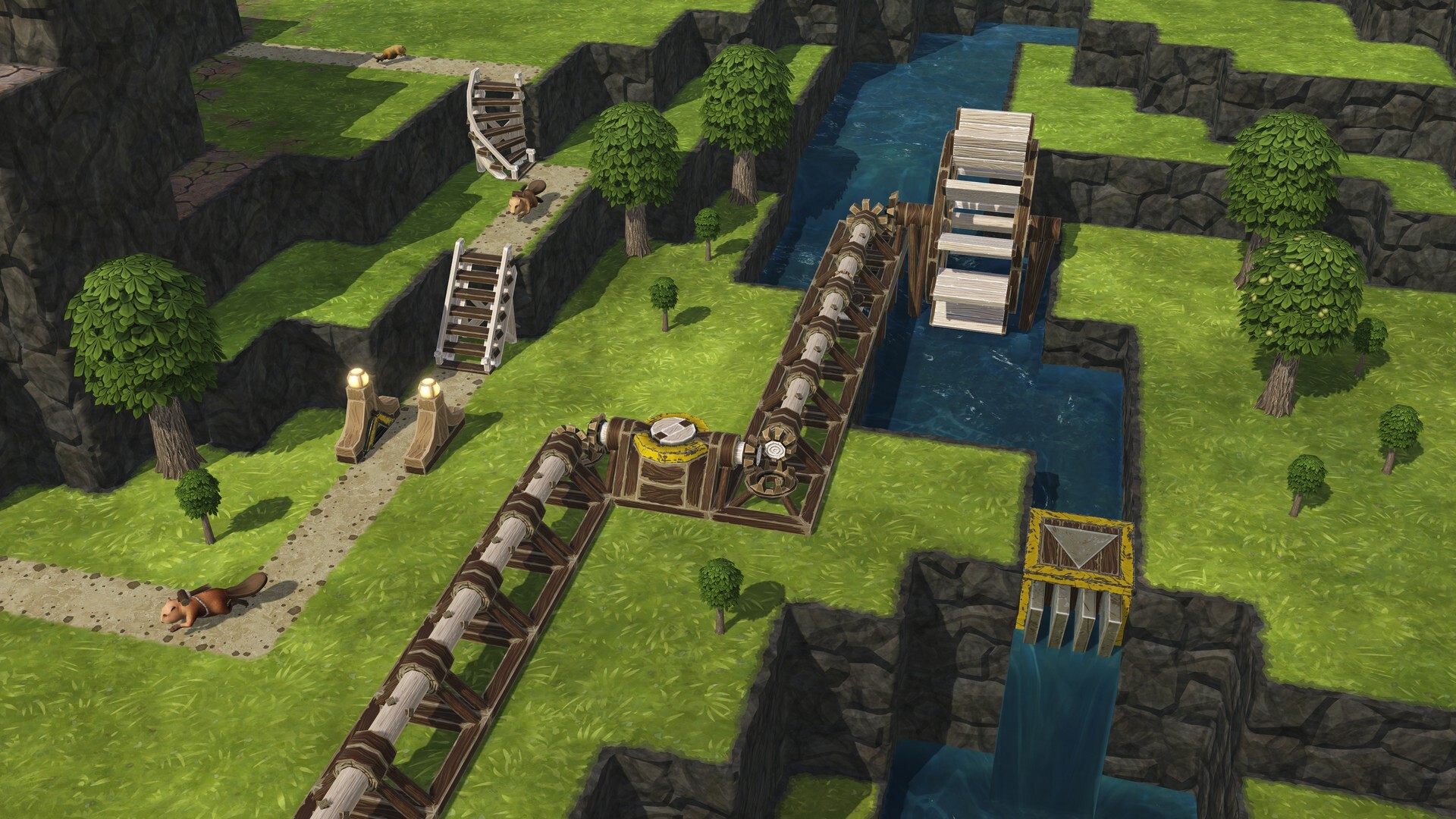 Left to right:
 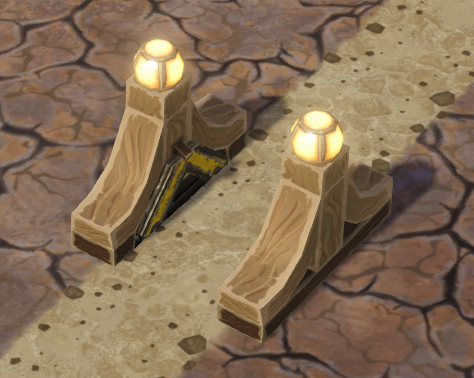 Gate,
Gate, 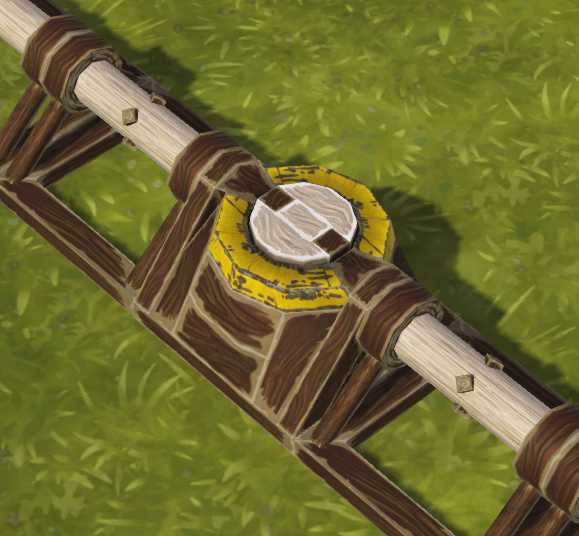 Clutch, Valve
EDIT: As of March 6, 2026, the section below contains outdated information. Please refer to the March 6 patch notes linked ("https://store.steampowered.com/news/app/1062090/view/511859019859625208") to see what changed in response to the player feedback.
While these buildings can be helpful without automation, they’re made to make the best use of the new feature.
- New building: Gate (6x Plank, 4x Gear, 4x Scrap Metal, 200 Science). You can now cut off parts of the settlement - either at will or using automation. Is badwater about to hit our town? Oh, we'd better close that shortcut path leading through the river. Want to limit access to the attractions to after-work hours only? Sure, that will finally make the beaver bean counters happy!
- New building: Clutch (2x Gear, 6x Metal Block, 400 Science). We may not have cars in the game, but with this little thing, you can easily connect or disconnect a part of your power network. The Clutch can be engaged or disengaged manually or using an input signal from one of the automation buildings.
- New building: Valve (5x Plank, 5x Metal Block, 400 Science). This building replaces Sluice and, despite its similar appearance, has several additional capabilities. First of all, it allows you to control the water flow limit, either manually or via automation - 0 means “fully closed” here. While Sluice closed and opened based on the water level, checked up to the building's upper edge, the Valve is not constrained by that. Finally, sensors automating the Valve's behavior can be placed anywhere - even behind it or next to the water source on the other side of the map - whereas Sluice was tied to the water tile right in front of it. Oh, and you can change how quickly the Valve adapts to the changing automation states, reducing amount of waves that Sluices sometimes produced.
- Removed building: Sluice**.** Since Valve can do everything that Sluice could and much more, Sluice is no longer available in the game. Sluices already placed in existing save games remain in place to ease the transition.
- Updated building: Floodgate. Without automation, a Floodgate’s behavior doesn’t change. But automate it, and you will be able to set the desired height based on whether the input signal is on or off. This gives
 Floodgates some of the capabilities previously reserved for Sluices.
 - Updated building:
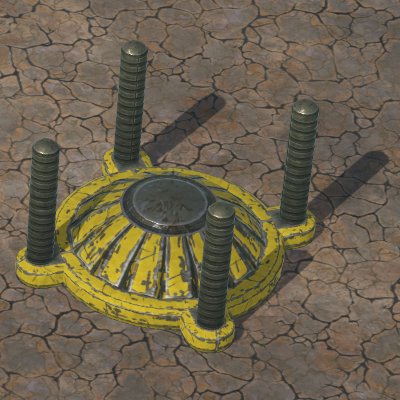 Badwater Dome. You can now automate the Badwater Dome to close and open automatically.
 - The tooltip for goods now lists three counters: Storage (such as goods in warehouses), Outputs (such as produce in Farmhouses), and Inputs (such as ingredients in Bakeries). Storage and Outputs are included in the main counters in the top bar because those are the goods available for whoever needs them. Inputs can optionally be included in Resource Counter measurements in some advanced setups.
- Added the "Tick once" key binding, defaulting to [.], which advances the game's time by one tick. Use it to analyze complex automation setups.
Customizable lights
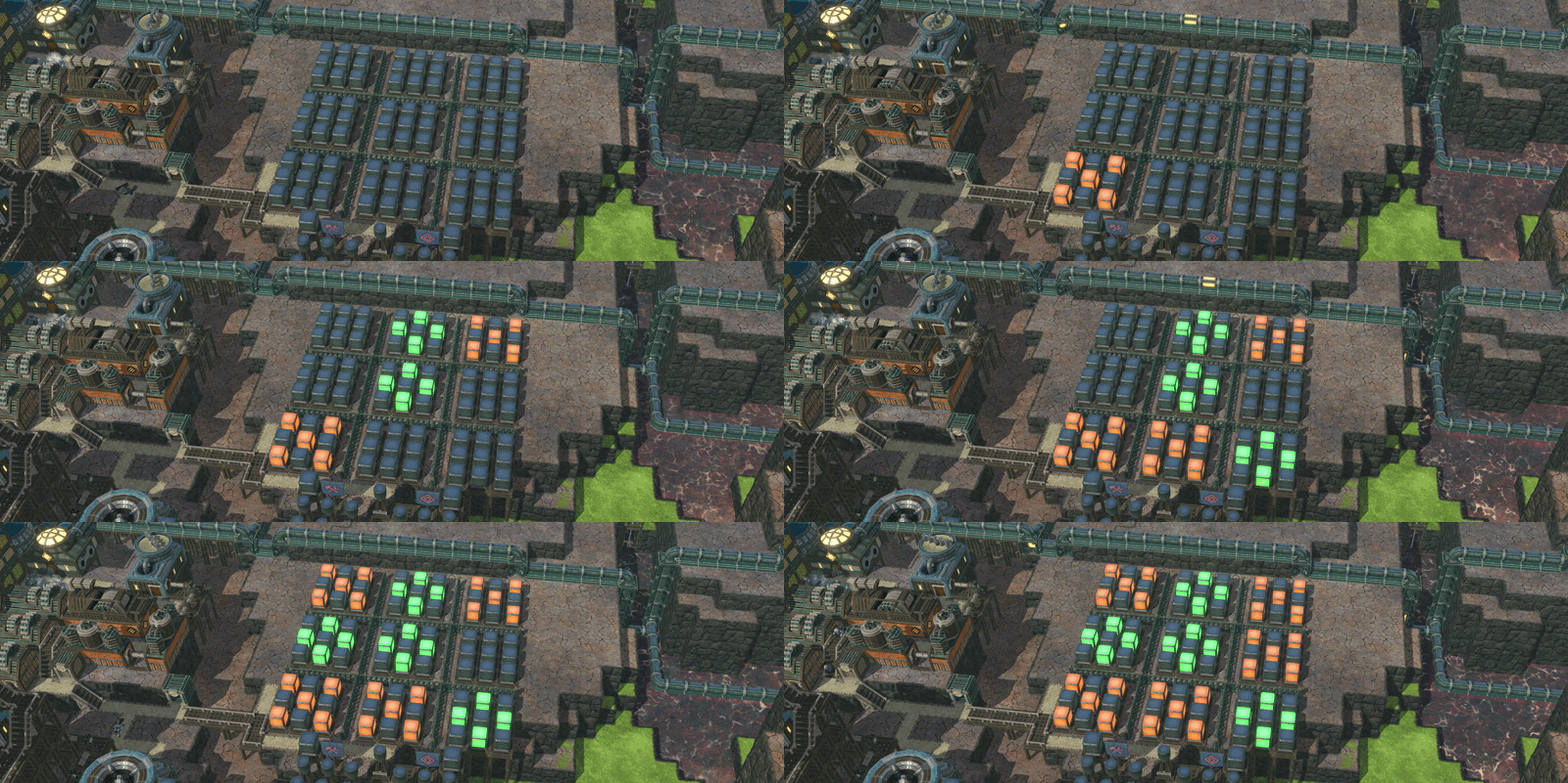
Everyone likes making settlements their own, and automation is another step towards that, so we think this deserves a separate section.
- Automation buildings share a common element: a clearly visible light. And that light’s color can be changed. Click the paintbrush icon in the upper right corner of a building’s panel to pick from a few default colors or enter the RGB code for something entirely custom.
- Color customization is especially important in the case of Indicators - they have even more prominent lights and can be pinned in the UI.
- Light color can now also be changed for buildings whose color isn't controlled by the assigned worker type. This applies to
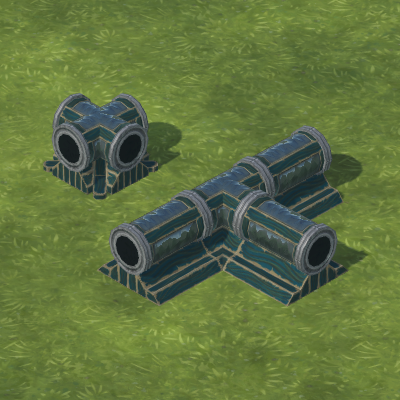 Tubeway Stations, Control Towers, Lanterns, Decorative Clocks, and Numbercrunchers.
 Iron Teeth:
 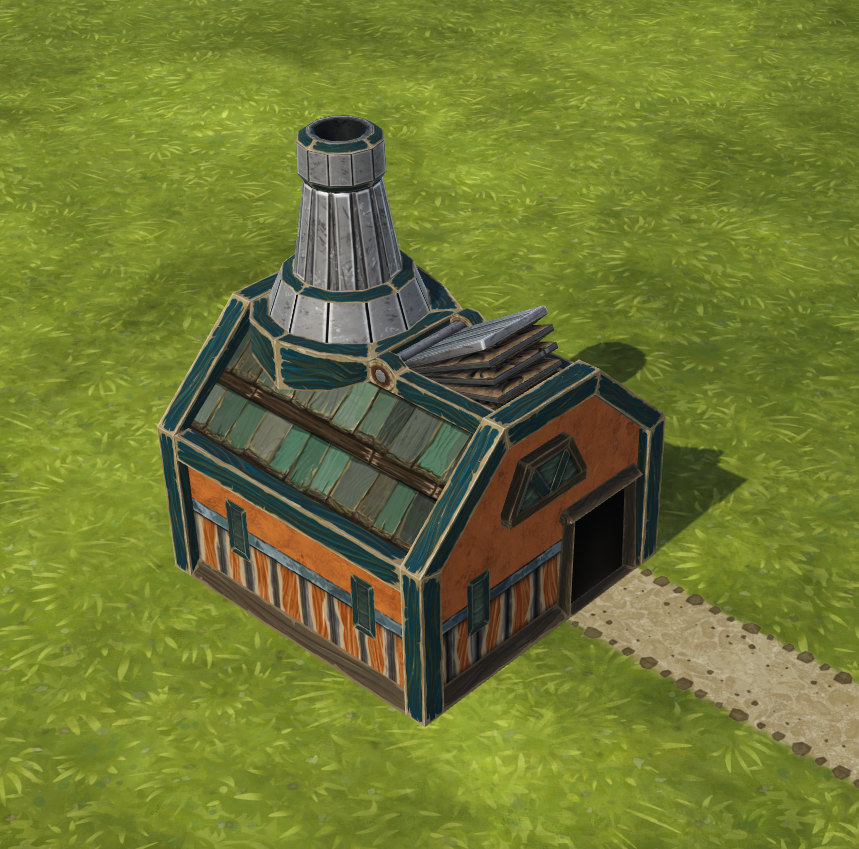 Metalsmith and metal balance
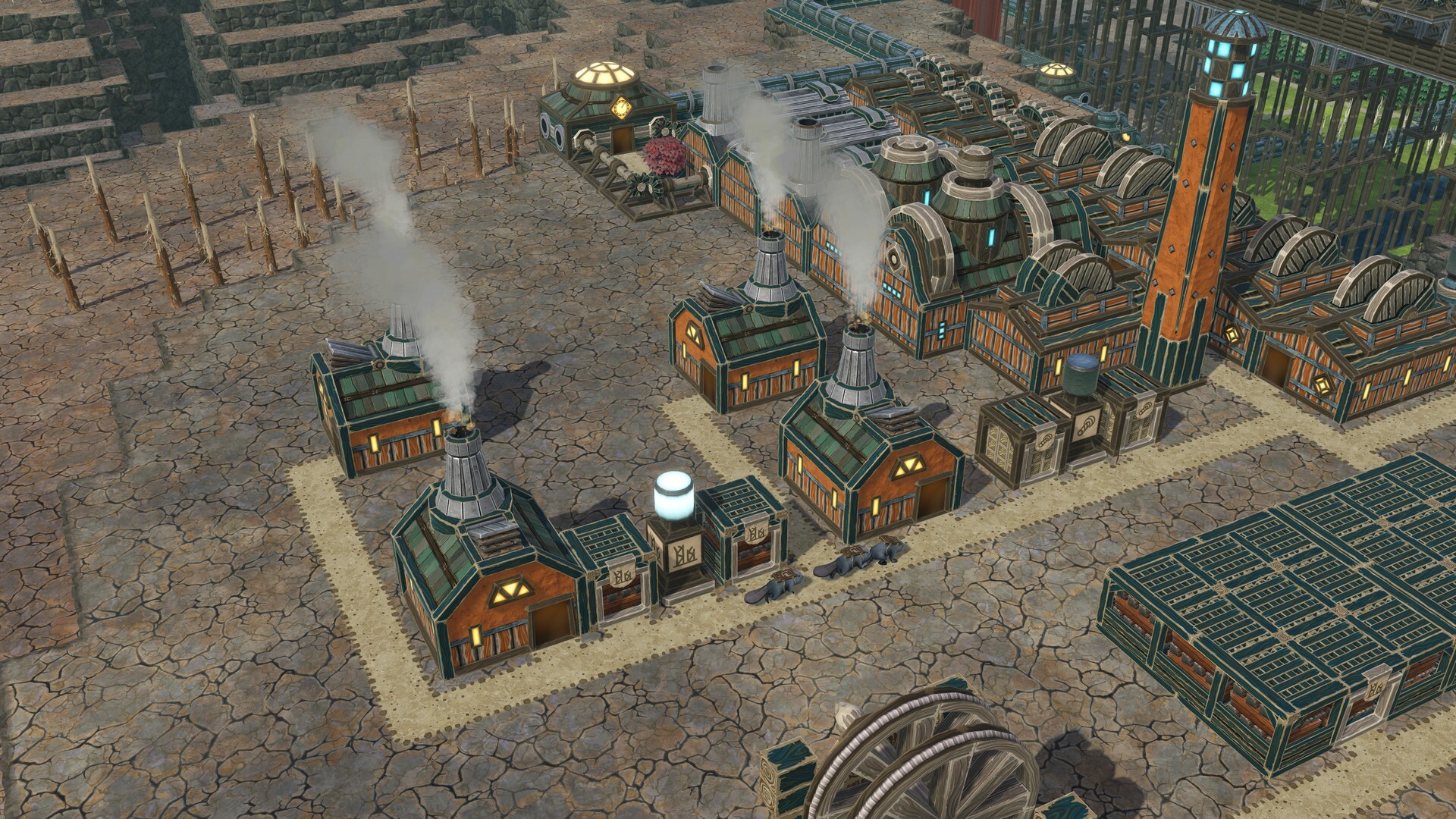
We felt that the metal production chain on the Iron Teeth side could use an update, especially since  Folktails have already had their unique good in the form of Paper.
- New building: Metalsmith (30x Plank, 10x Scrap Metal, 150 Science; Iron Teeth only). Produces 1x Metal Part from 1x Scrap Metal. Consumes
 Logs as fuel.
 - For the Iron Teeth, the
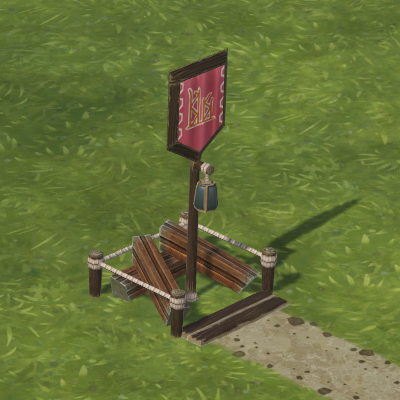 Scavenger Flag is now unlocked right from the start.
 - Updated
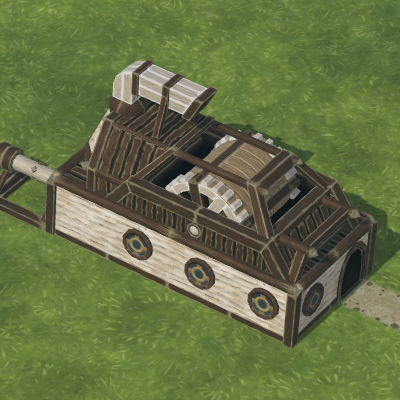 Explosives Factory’s cost from 30x Plank, 30x Gear, 30x Metal Block to 30x Plank, 30x Gear, 60x Metal Part.
 - Updated
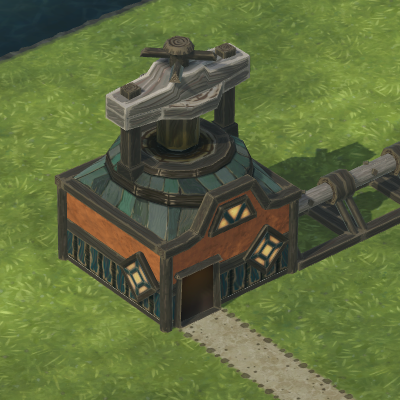 Oil Press’ cost from 20x Log, 20x Plank, 20x Gear to 40x Log, 10x Metal Part
 - Updated
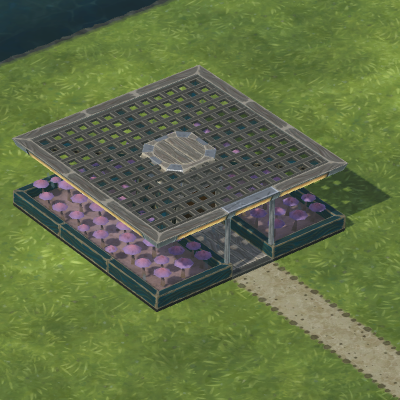 Hydroponic Garden’s cost from 20x Plank, 10x Gear, 5x Metal Block to 20x Plank, 10x Gear, 5x Metal Part.
 - Updated
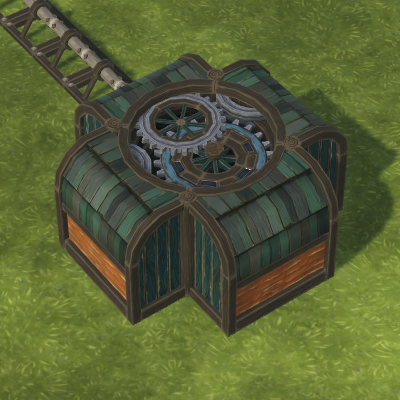 Numbercruncher’s cost from 30x Plank, 100x Gear, 25x Metal Block to 30x Plank, 100x Gear, 50x Metal Part.
 - Updated
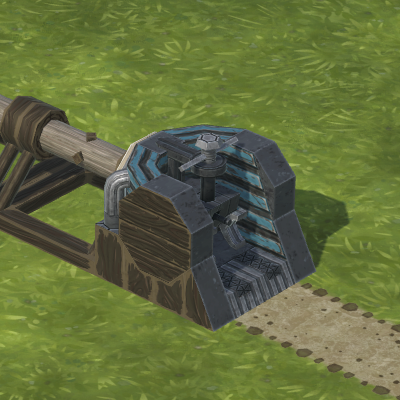 Charging Station’s cost from 5x Plank, 15x Gear, 5x Metal Block to 5x Plank, 15x Gear, 10x Metal Part.
 - Updated
 Steam Engine’s cost from 20x Log, 25x Gear, 20x Metal Block to 20x Log, 25x Gear, 40x Metal Part.
 - Updated
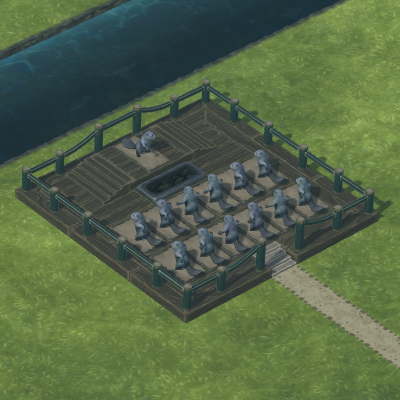 Exercise Plaza’s cost from 50x Log, 50x Plank, 10x Metal Block to 50x Log, 50x Plank, 20x Metal Part.
 - Updated
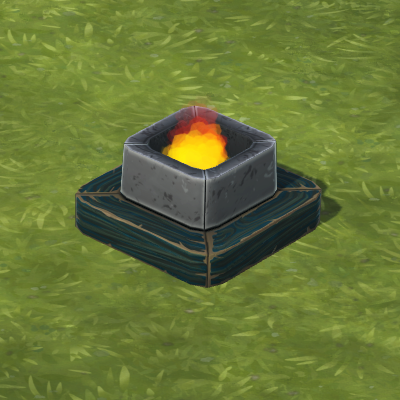 Brazier’s cost from 12x Plank 2x Metal Block to 12x Plank, 4x Scrap Metal.
 - Updated
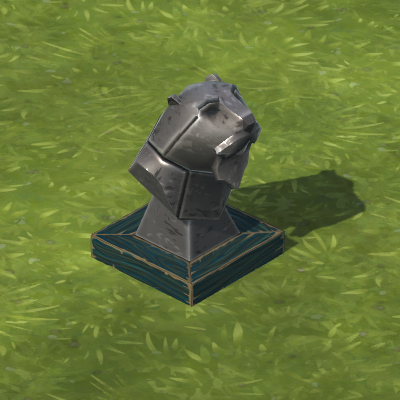 Beaver Bust’s cost from 5x Metal Block to 4x Scrap Metal, 2x Metal Part.
 - Updated
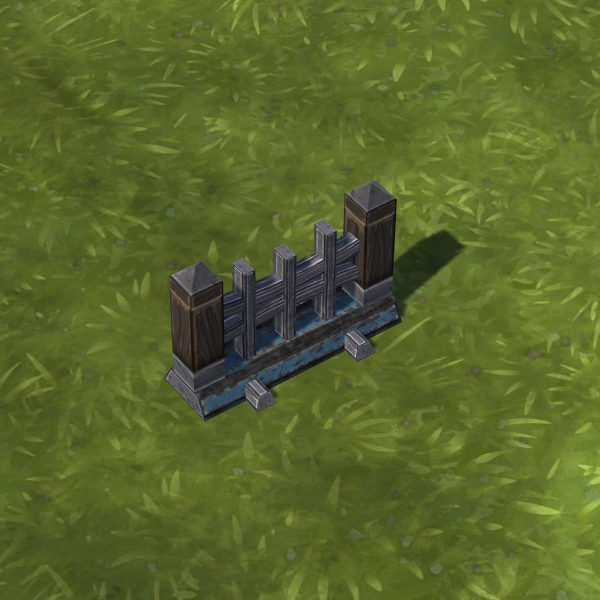 Metal Fence’s cost from 3x Metal Block to 6x Metal Part.
 - Updated Flame of Unity’s cost from 300x Plank, 50x Metal Block to 300x Plank, 100x Metal Part.
- Smelters and
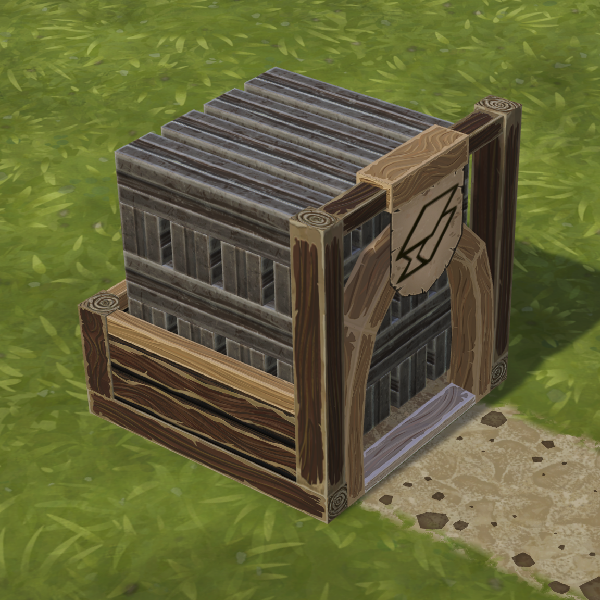 Metal Blocks are still used for the more advanced buildings.
Misc.
- Cleaned up the measurement units usage across the UI, as well as how they're written. For example, the game now uses metres (m), previously used only by
 Ziplines, as the measurement unit for both depth and distance. Similarly,
 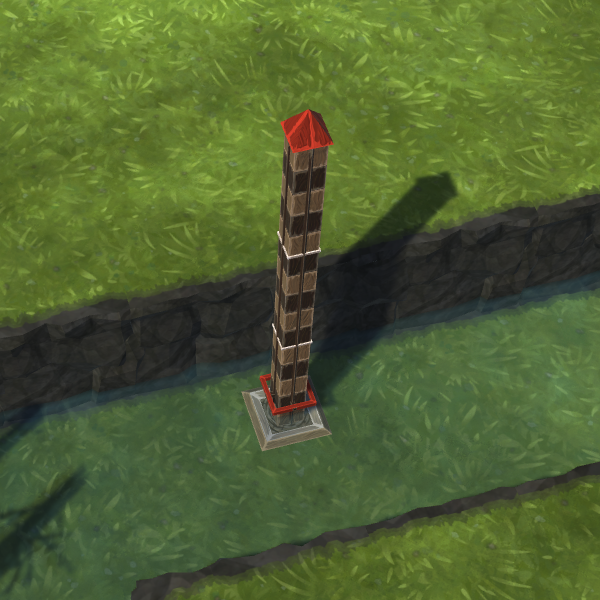 Stream Gauge uses m³/s to measure the water flow.
 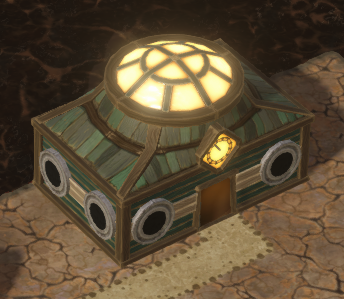 Tubeway Station can now be connected to Tubeways in front of it.
- If you have a huge number of buttons on the toolbar, for example because of the mods you have installed, they will now wrap neatly.
- Now that we have Chronometers in the game, we’ve renamed Iron Teeth’s Clock to
 Decorative Clock.
 - Moved Stream Gauge to Decorations.
Bug fixes
- Fixed a typo in the Haulers tutorial path.
- Fixed blurred icons in the map editor storage's dropdowns.
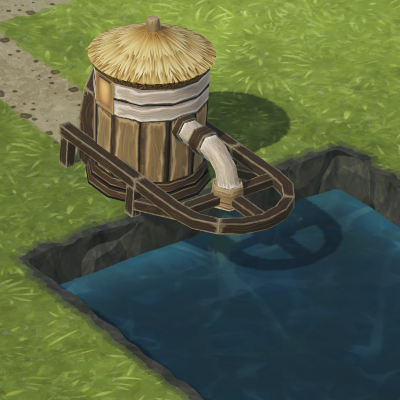 Fluid Dump's particles are no longer visible under terrain after loading a save.
- Fixed a bug with Power Wheels not animating after loading a save.
- It is no longer possible to place an
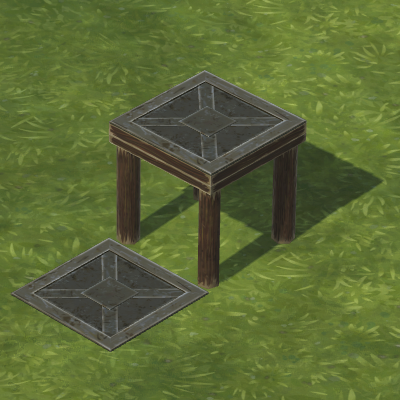 Impermeable Floor on one of the
 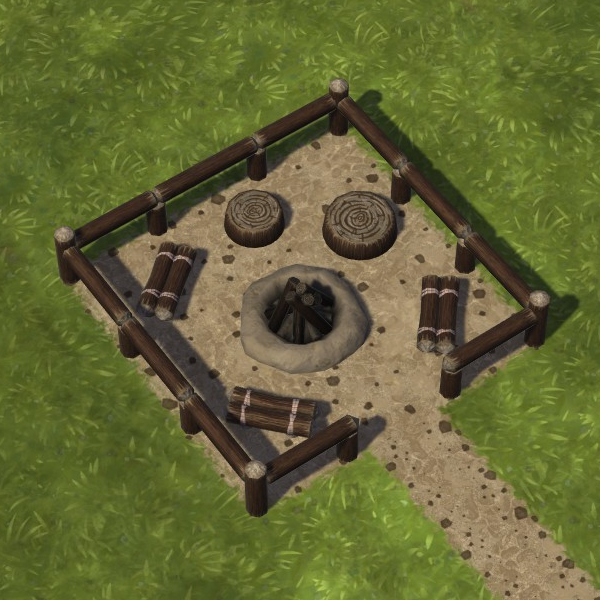 Campfire's tiles.
 - The goggles of the Iron Teeth wonder's workers no longer emit light. Worry not, a pilot is cool as heck no matter what.
- Fixed a lag when opening Construction mode. This sadly reverts the fix for the sometimes-broken construction preview for Impermeable Floor.
- Fixed the lag spike occurring when jumping between toolbar categories.
- Restored the sometimes-broken construction preview for Impermeable Floor.
- Fixed a rare crash upon loading a game with a missing object name.
1.0 coming March 12, 2026!
The full version of our beaver city builder is around the corner, so if you don't own Timberborn yet, wishlist the game now!
[dynamiclink href="https://store.steampowered.com/app/1062090/Timberborn/"]