Wire

Overview
The Wire is a signal-propagation building that carries and distributes signals across a factory. Wires connect directly to Signal Producers, Toggle Buttons, Displays, Belt Readers, Belt Filters, 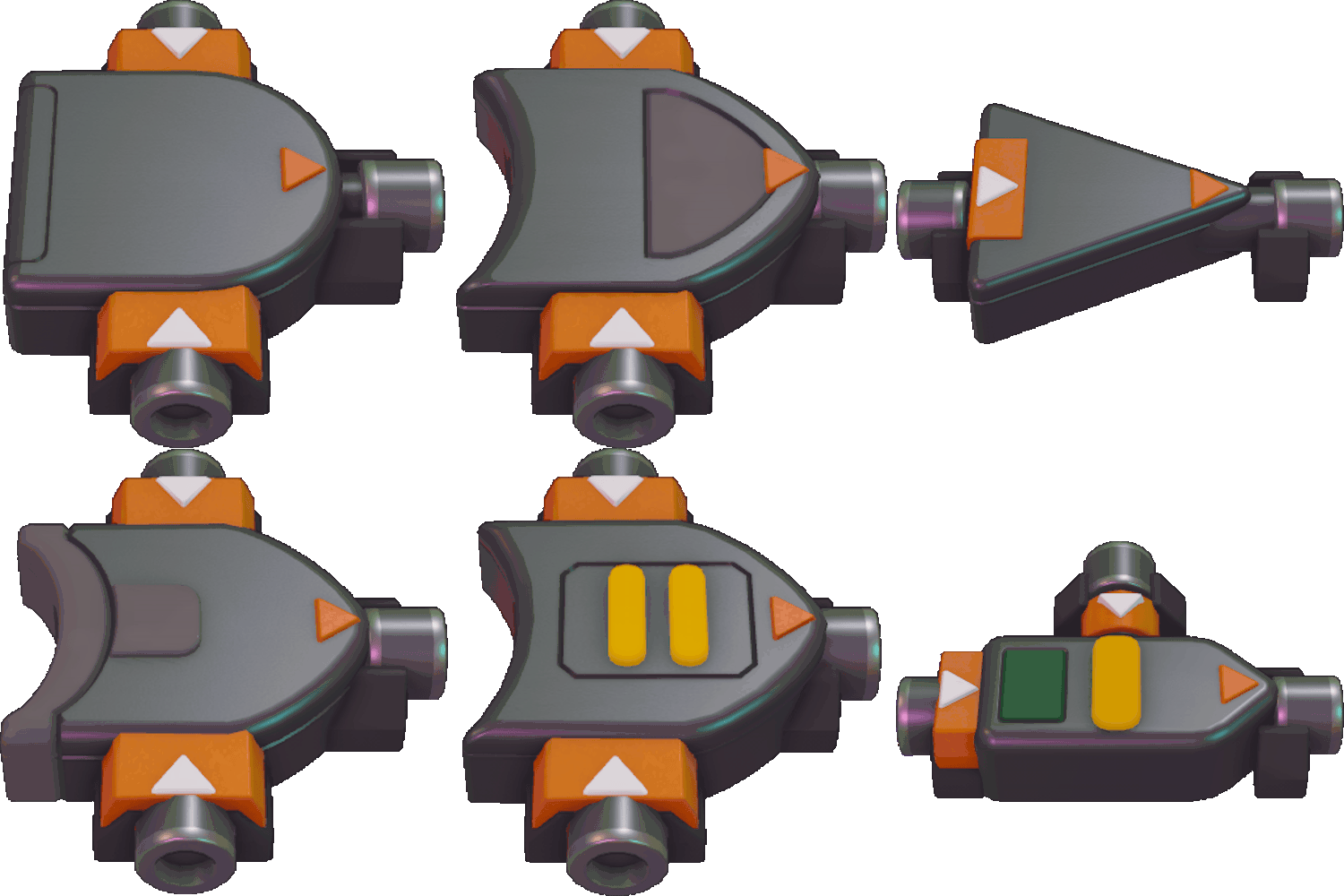 Logic Gates, and Simulated Machines. A Wire network can split, merge, and change layers similarly to belts and pipes, and every input tile of a Wire can act as an output: the Wire's signal propagates to any connected wires in all directions.
Wire tiles display their current state visually. A Wire with a null signal appears dark green. A Wire carrying an integer value of 0 appears a lighter green. A Wire carrying a non-zero integer, a shape code, or a color code appears bright green. If a Wire receives two different non-null signals simultaneously it goes into conflict and glows bright red; the only exception is when one of the signals is null, in which case the null signal is overwritten by the other signal. Hovering the cursor over a Wire shows a tooltip with the current signal on that wire.
Wire Bridge, Wireless Sender, and Wireless Receiver interact with Wires to extend signal routing options. The Wire Bridge allows two signals to cross within the same space without conflict; a signal input on one side is always output on the opposing side. Wireless Senders and Receivers are placed by dragging from the desired sender position to the desired receiver position; a receiver must be placed 1 to 4 empty tiles away from its sender. A Sender connects to the furthest Receiver in range, and when multiple senders attempt to connect to the same receiver the furthest sender from that receiver is chosen. The Sender takes an input signal and outputs the signal from its connected Receiver, drawing a beam between them. Wireless Senders and Receivers are useful for transferring a signal through areas where placing a Wire is not possible.
- Wire networks propagate signals in all connected directions; any tile that touches a Wire can carry and receive signals.
- Wires can split and merge freely; design layouts can reuse the same Wire segments as inputs and outputs.
- Conflicts occur only when two different non-null signals meet; null signals are overwritten rather than causing conflict.
- Use Wire Bridges when you need two independent signals to cross the same tile without interference.
- Use Wireless Sender/Receiver pairs to bridge gaps or bypass obstacles where Wires cannot be laid; remember the 1–4 tile placement limit and the connection priority rules (furthest receiver chosen by sender; when multiple senders target one receiver, the furthest sender is connected).