Signal Transmission
Overview
Signal Transmission covers the mechanics and machines that propagate, route, and transform signals in the game. Signals travel along Wires, through Wire Bridges, via Wireless Senders and Receivers, and can be broadcast globally with Global Signal Transmitters and picked up by Global Signal Receivers. Several machines and UI elements interact with wires and signals: Wires can connect to Signal Producers, Toggle Buttons, Displays, Belt Readers, Belt Filters, 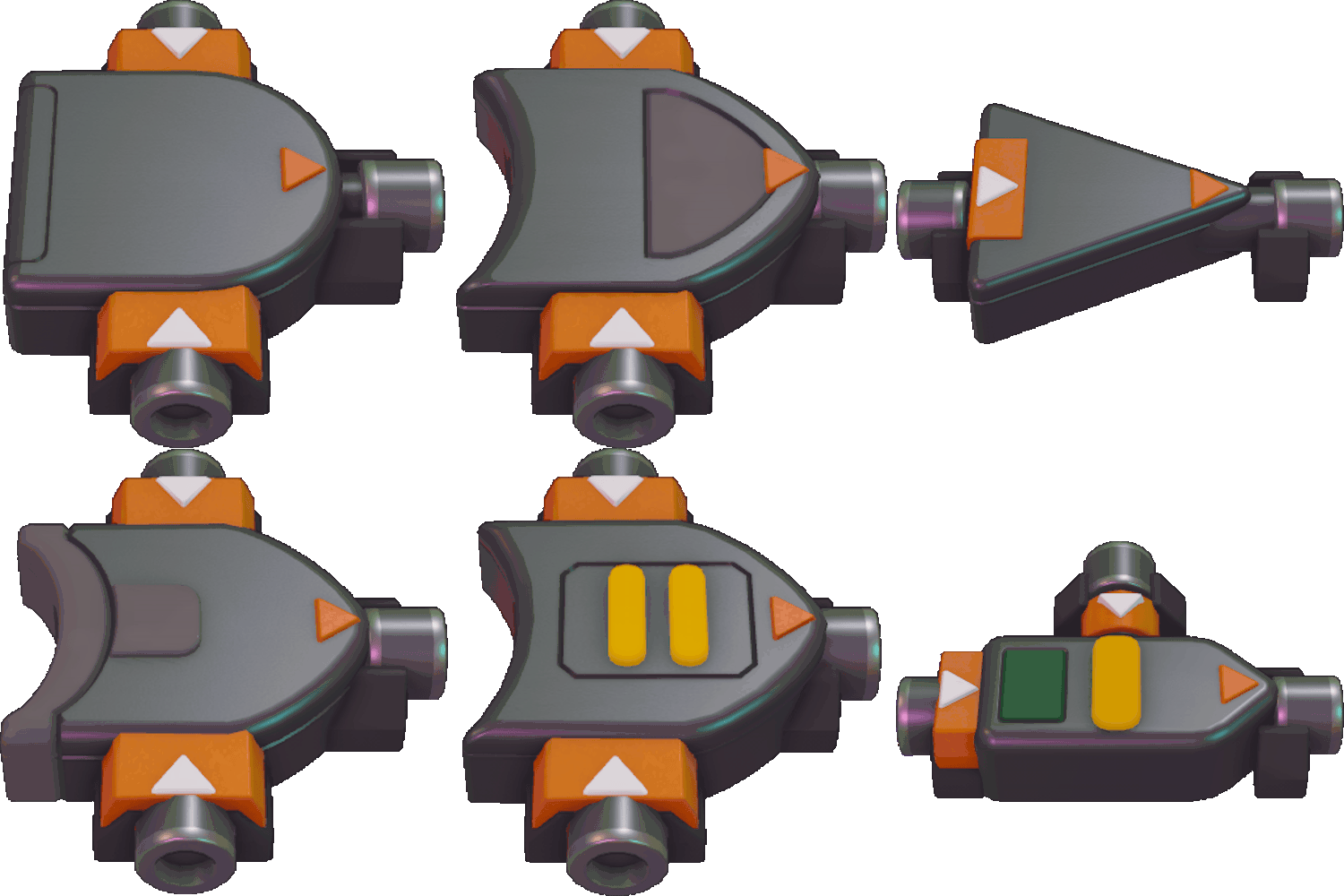 Logic Gates, and Simulated Machines. Operator Signal Receivers provide a configurable shape signal from the Random Operator Shapes when selected.
Wires behave like belts and pipes in that they can split, merge, and change layers. All inputs of a 
The Wire Bridge allows two different signals to cross within the same tile without causing a conflict. A signal input on one side of a Wire Bridge is always output on the opposing side, enabling tidy crossings where standard Wires would conflict.
Wireless Senders and Receivers create a direct link between two points when dragging from the sender location to the receiver location. The receiver must be placed within a distance of 1 to 4 empty tiles from the sender. A sender connects to the furthest receiver in range; if multiple senders attempt to connect to the same receiver, the sender that is furthest from that receiver is chosen. A Wireless Sender takes an input signal and outputs the signal from the Receiver it is connected to, drawing a visible beam between them. Wireless pairs can be used to transfer signals through areas where placing Wires is impractical.
Global Signal Transmitters and Global Signal Receivers enable long-distance, cross-factory signal sharing. Both require a non-null, non-conflict Wire signal as their Channel Input (#). The Global Signal Transmitter also requires any Wire signal on its Signal Input (⚡); if that Signal Input is non-null, the transmitter sends that signal to all Global Signal Receivers whose Channel Input matches the transmitter’s Channel Input. The Global Signal Transmitter’s indicator shows red when its Channel Input is null, yellow when the Channel Input has a signal but the Signal Input is null, and green when both Channel and Signal inputs receive signals. The Global Signal Receiver is red when its Channel Input is null or unused by any transmitter, yellow when its Channel Input has been or is being used by any transmitter, and green when its Channel Input matches a transmitter’s Channel Input that currently has a non-null Signal Input; in the green state the receiver’s Signal Output (⚡) matches the transmitted signal. Global Signal Transmitters and Receivers unlock after Wire Basics and the 3rd Machine Level have been unlocked.
- Use Wires for local routing, splitting, merging, and layering; rely on hover-tooltips to inspect live signals.
- Use Wire Bridges to cross two signals in the same tile without causing a conflict.
- Use Wireless Senders/Receivers to span short gaps (1–4 empty tiles) or to route signals through crowded areas; note the sender connects to the furthest available receiver in range.
- Use Global Signal Transmitters and Receivers to broadcast specific signals across long distances; ensure Channel Inputs match and Signal Inputs are non-null for transmission to occur.
- Use Operator Signal Receivers when a selectable Random Operator Shape is needed as a signal source.