Trains
Overview
Trains provide high-speed transport of large numbers of shapes or large volumes of fluids across Space. Trains consist of a Train Locomotive followed by any number of wagons placed in a straight line behind it. Trains are placed on Rails, can be routed with Rail Configurators, and interact with station components such as Shape Loaders, Shape Unloaders, Transfer Stations, and Train Launchers. Trains are unlocked at Milestone 2 in the Classic – Regular Scenario. Train Vortex Delivery — launching a train into the 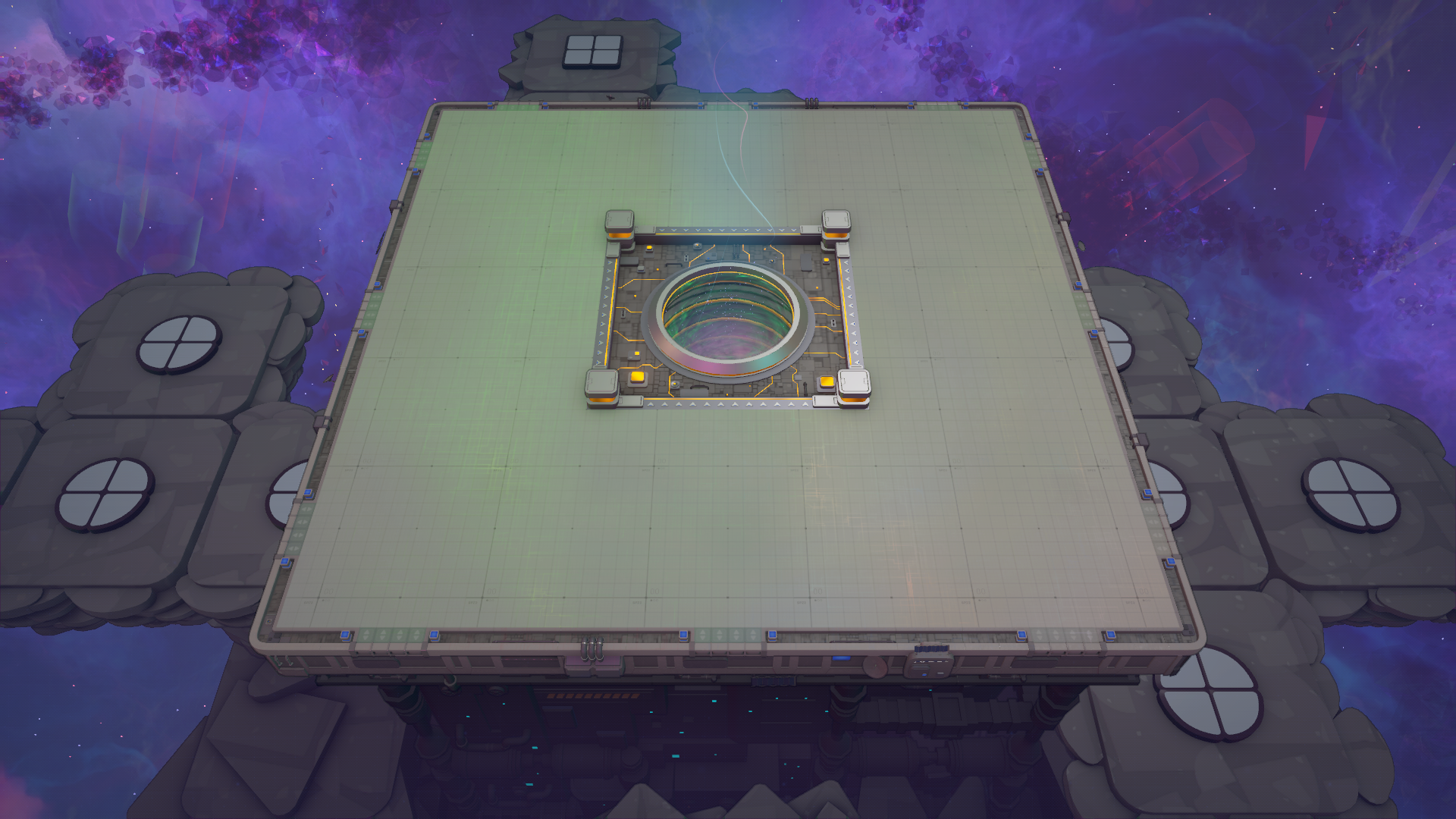
Locomotives and wagons: the initial locomotive available at unlock is the red locomotive; additional locomotive colors (green, blue, cyan, magenta, yellow, white) are unlocked via Train Unlockable Upgrades. Locomotives determine the train color used for rail routing. Wagons attach behind the locomotive in a straight line with no limit to the number of wagons. Shape Wagons hold shape packages (one package per level, default three packages total at capacity level 1) and are loaded from Shape Loaders and unloaded at Shape Unloaders. Fluid Wagons hold fluid packages and are loaded/unloaded by Fluid Loaders and Fluid Unloaders; Fluid Wagons are unlocked for 2,600 Research Points. Spacer Wagons hold no packages and are used to fill gaps. Train Capacity Upgrades increase the number of packages a wagon can carry per level.
Rail and routing mechanics: Rails are placed in Space mode and occupy one space grid chunk each. Rails can form loops or terminate; terminating rails cause trains to return along the underside of the rail. Rails can be moved between machine levels. Rail Configurators let you set per-color routing at splits so each locomotive color follows its designated branch. Multiple train colors can share rail segments; a split cannot have multiple branches with the same color. Immediate Stops and Wait Stops let trains stop to load or unload packages from connected loaders/unloaders; Immediate Stops stop trains for approximately 4 seconds when immediate loading/unloading is possible. Wait Stops stop for a configured time and also react to partially filled packages.
Stations, loaders, unloaders, and transfer: A train station is composed of a Train Stop and one or more loaders or unloaders; Loaders/Unloaders must be directly connected to the station to function. Station Spacers extend stations while keeping them connected (unlocked for 400 Research Points). Shape Loaders and Fluid Loaders take items from Space Belts/Space Pipes or launchers on Space Platform notches, filling fixed-size packages that a compatible wagon can pick up. Shape and Fluid Unloaders output to all connected output ports and can hold up to 39 packages awaiting unpacking (12 per machine level, with an effective extra package while progress is full). Transfer Stations accept packages from train wagons and transfer them to another train; they can hold up to 21 packages (7 per level) and are unlocked for 4,200 Research Points.
Train Launchers attach to Rails and launch trains across rail components, Space Belts/Pipes, Space Platforms, or into the Vortex. Launchers connect to a catcher by dragging placement; a launcher will try to connect to the furthest catcher in range, and if multiple launchers target one catcher the furthest launcher is chosen.
- A train’s effective throughput depends on Train Capacity level and round-trip time; if round trips are longer than the time to fill packages, loaders become bottlenecks and production hiccups occur.
- Use rail colors and Rail Configurators to create dedicated routes for different locomotive colors and prevent unwanted branching.
- Place Station Spacers or unused loader/unloader tiles to maintain continuous station connectivity while matching wagon types.
- Spacer Wagons are useful to manage station alignment without carrying items.