Main UI
Overview
The Main UI provides access to the game's core interface elements for controlling how the world and your factories are presented and for monitoring the game's primary currencies. It exposes the view mode buttons and the currency readouts that the player uses to inspect different layers of the game and to keep track of resources required for progression.
The view mode buttons available in the Main UI are labeled as the different View Modes. The View Modes are:
- Machine mode
- Space mode
- Overview (map) mode
See also:
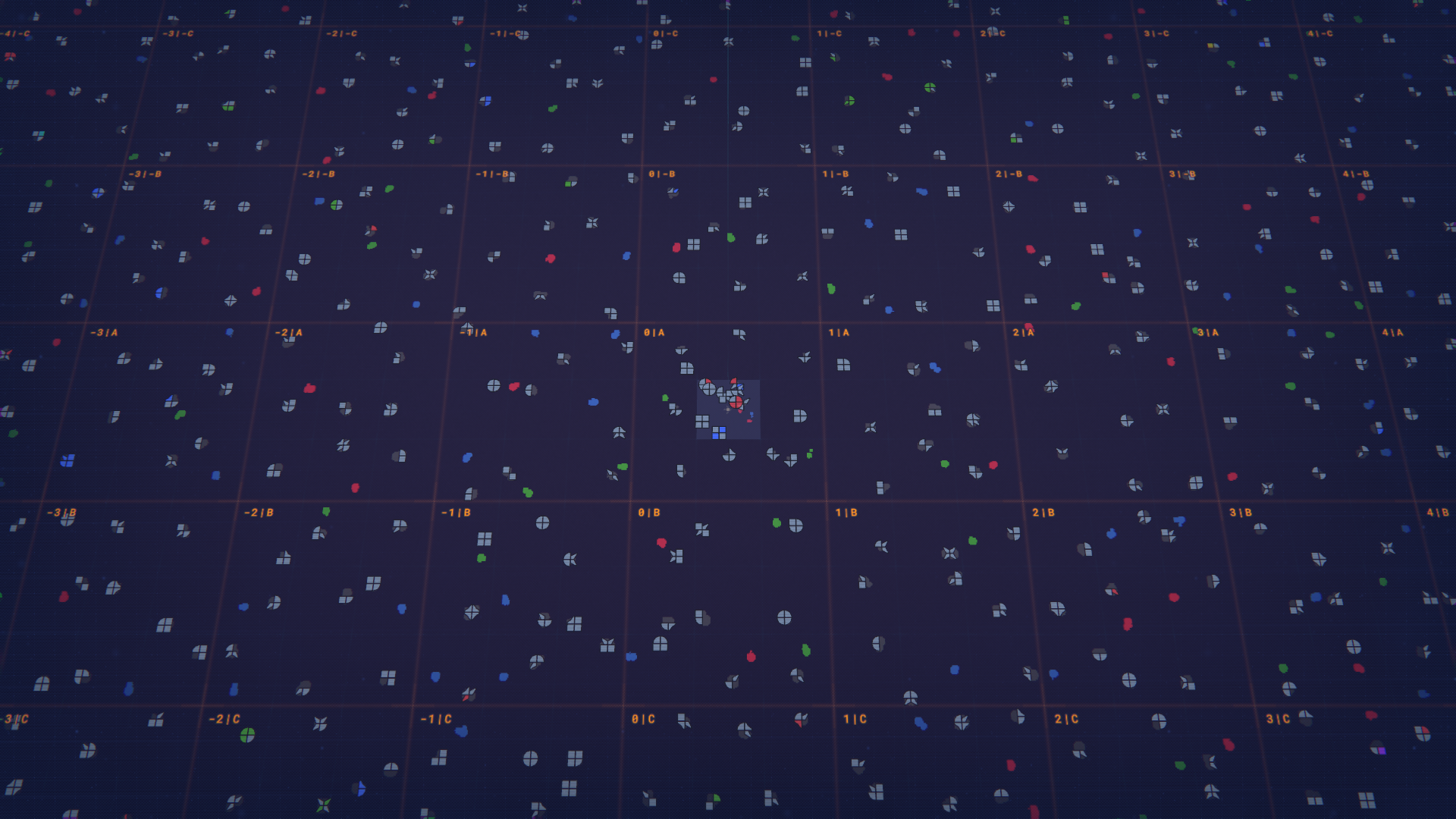
The currency readouts displayed in the Main UI are the game's primary currency types used for research, construction and blueprints. The Currency Values listed in the Main UI are:
- Research Points
- Platform Units
- Blueprint Points
The Main UI groups these elements so the player can quickly switch between visual perspectives and immediately see current currency balances. The view mode controls are presented as discrete buttons corresponding to the named modes above. The currency values are presented as distinct counters for each of the listed currency types.
- Machine mode, Space mode and Overview (map) mode are the named view options shown in the Main UI's view mode control area.
- Research Points, Platform Units and Blueprint Points are the distinct currency values shown in the Main UI's currency area.
The Main UI therefore serves as the place to select the visual context for interacting with the game world and to monitor Research Points, Platform Units and Blueprint Points at a glance. See also Map for further information related to the Overview (map) mode.