Blueprints
Overview
Blueprints are selectable copies of a group of machines or platforms created from a selection. They allow duplication of parts of your factory, saving for later use, and sharing with other players via blueprint codes or files. To create a blueprint, make a selection and use the Clone Selection hotkey (default Ctrl+C) to leave the structure in the world, or the Cut Selection hotkey (default Ctrl+X) to remove it. The Blueprint mechanic must be unlocked first: Milestone 2 (Blueprints) in regular Scenarios or Milestone 0 (Rotate & Cut) in the Hexagonal scenario.
When a blueprint is created, a blueprint hologram follows the cursor and behaves like regular machine or platform placement. You can Confirm Placement with the Confirm Placement hotkey, Cancel Placement with the Cancel Placement hotkey, Rotate with R, Rotate Inverse with Shift+R, Mirror with F, and Mirror Inverse with Shift+F. For machine blueprints, use Transform Up (default Shift+E) and Transform Down (default Shift+Q) to move the blueprint vertically without changing the camera level. After deselecting a blueprint, bring it back with the Paste Blueprint hotkey (default Ctrl+V).
Blueprints can be saved to the Blueprint Library using the Save Blueprint hotkey (default Ctrl+S) or the Save button in the tooltip. Saving prompts for a unique name (used as the file name on disk), icons, and a folder. Icons can be chosen from in-game icons or a shape via predefined choices or a custom Shape Code. The library supports creating folders (including nested folders), editing blueprint metadata by right-clicking, dragging blueprints or folders to reorganize or bind them to the blueprint toolbar, and deleting by dragging to the trash. The Open Folder button opens the blueprint library folder on the hard drive. The Refresh button reloads the library from disk. Blueprint files use the .spz2bp extension and contain the blueprint code as plain text.
When a blueprint is selected, if the Copy Blueprints to Clipboard setting is enabled the blueprint code is automatically copied to the clipboard; otherwise use the Copy to Clipboard button in the tooltip. Other players paste shared blueprint codes by copying the code to their clipboard and pressing the Paste Blueprint hotkey.
Pasting blueprints can cost Blueprint Points. The base cost is ceil((machine_count - 1)^1.3). The base cost is multiplied by the Copy/Paste Cost Multiplier set by Difficulty: Relaxed and Normal set the multiplier to 0% (blueprint pasting is free), and Challenge sets it to 100% (blueprints cost the regular price). Blueprint Points are earned by delivering certain shapes to the 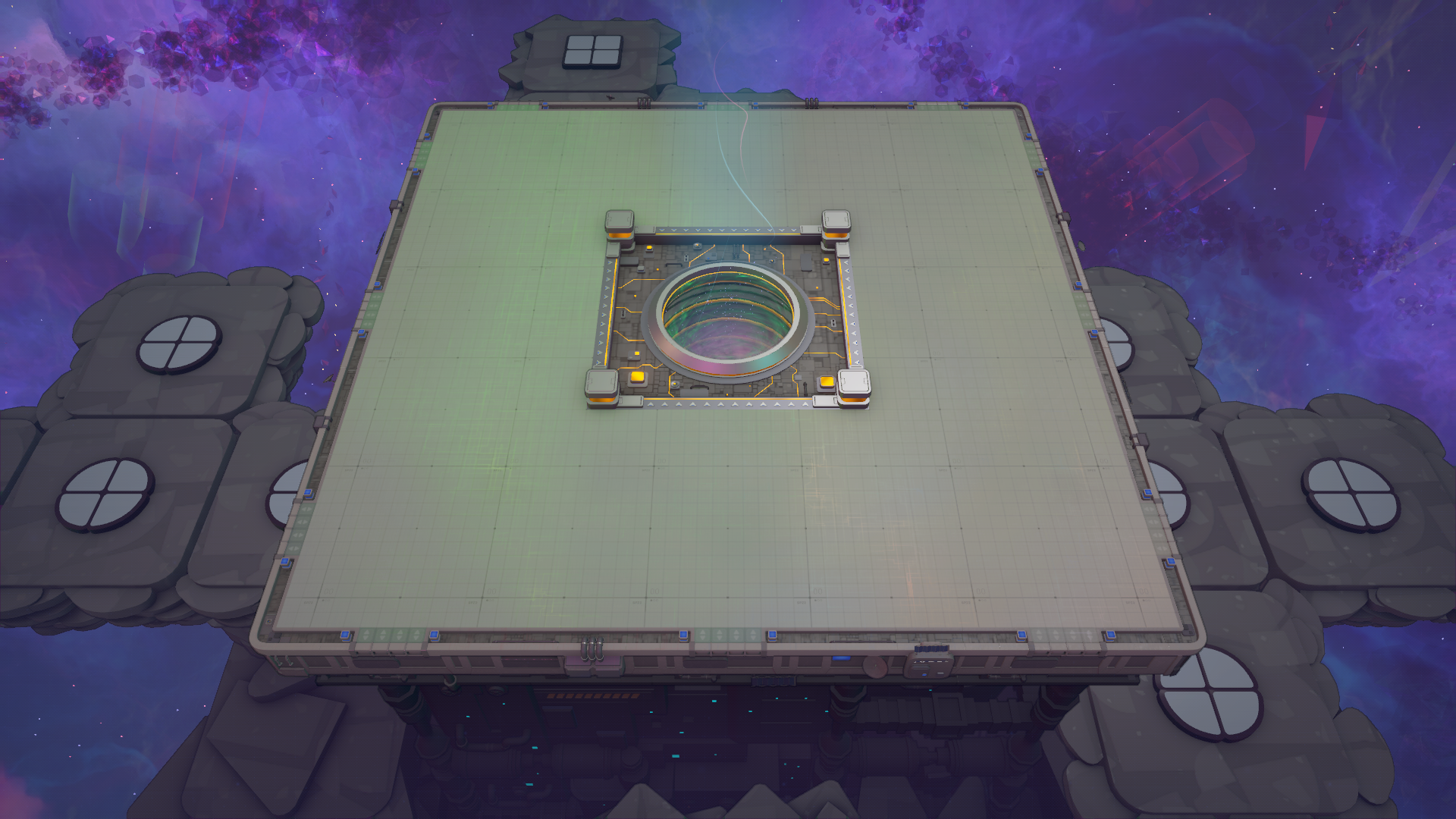
- Create blueprints with Ctrl+C (clone) or Ctrl+X (cut); unlock via the Blueprint milestone for your scenario.
- Use R/Shift+R and F/Shift+F to rotate and mirror; Shift+E/Shift+Q to move machine blueprints up/down.
- Save to the library with Ctrl+S, choose unique names/icons/folders, and manage files with Open Folder/Refresh.
- Share via blueprint code or .spz2bp files; paste with Ctrl+V.
- Note blueprint paste costs: ceil((machine_count - 1)^1.3) multiplied by the Difficulty multiplier.